CLIKVUE GROWTH HUB
11 Trust Signals Every Small Business Website Should Have
11 Trust Signals Every Small Business Website Should Have
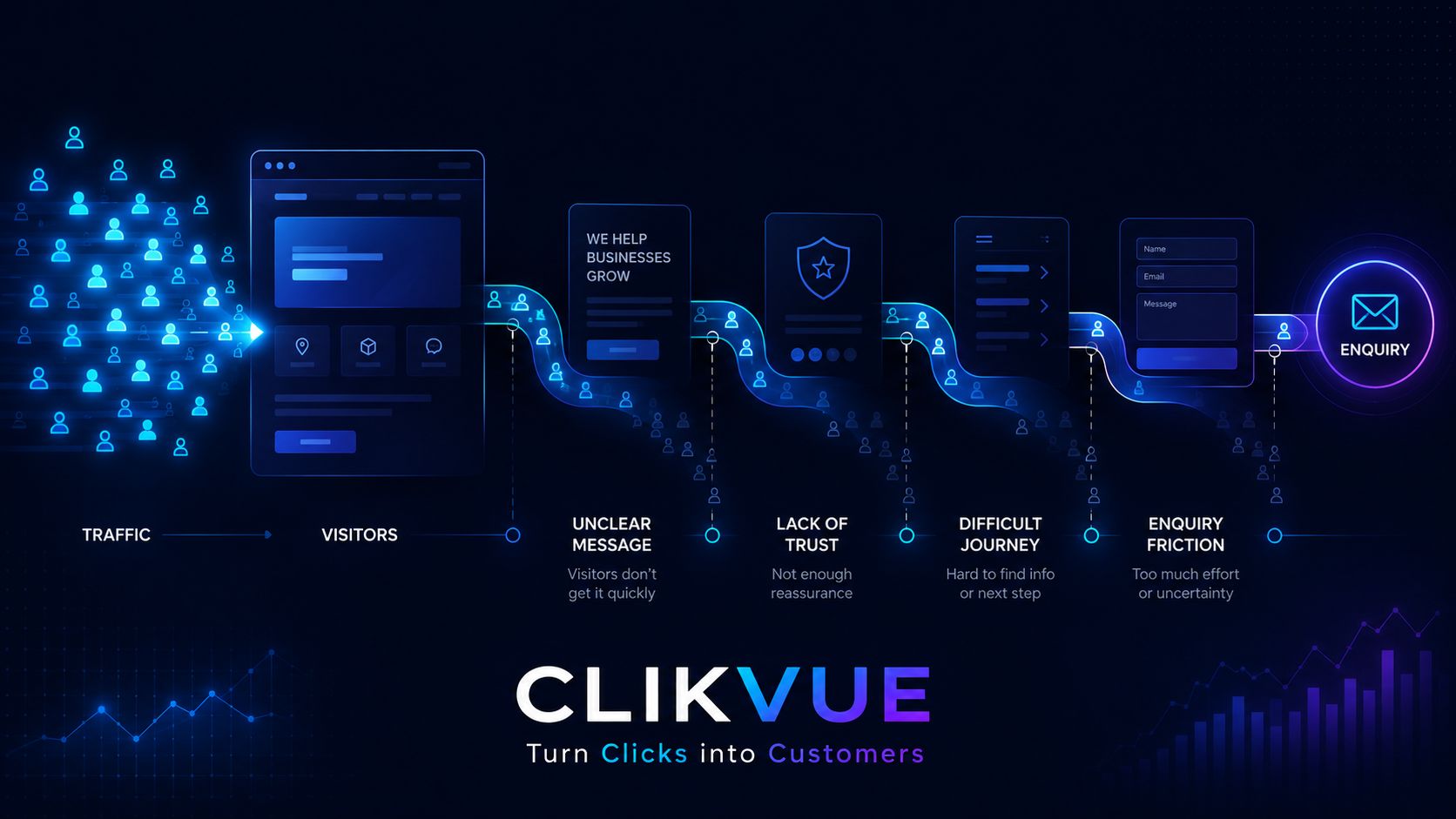
Someone lands on your website.
They have probably never spoken to you before. They may never have heard of your business. And within a surprisingly short amount of time, they are trying to answer one important question:
Can I trust this business?
That decision rarely comes down to one thing.
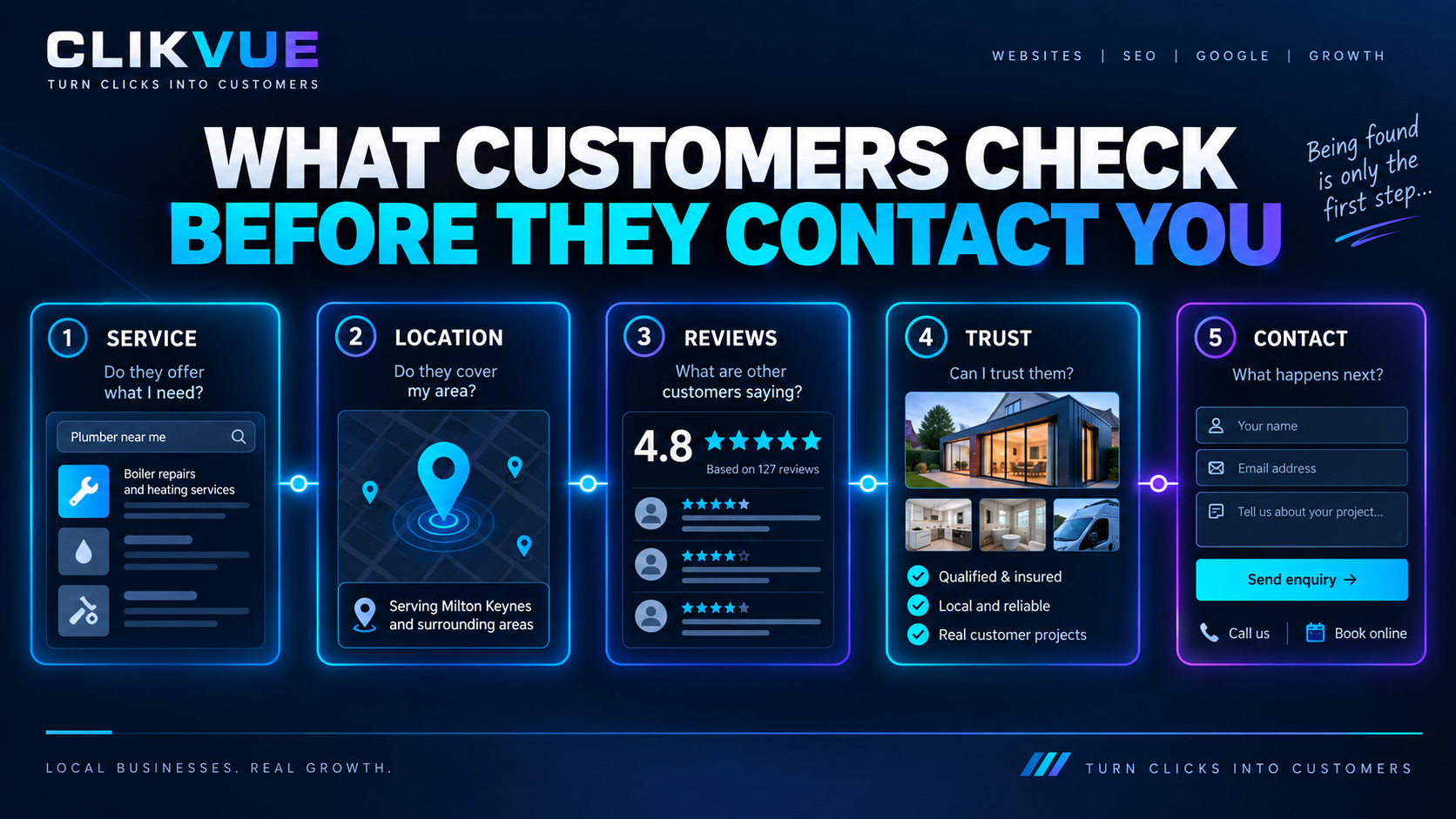
People pick up on small clues as they browse: your reviews, contact details, the people behind the business, how clearly you explain what you do, whether the site looks maintained, and whether there is evidence behind your claims.
These are trust signals.
For a small business, they matter because you do not have the instant familiarity of a household name. Your website has to earn confidence on its own.
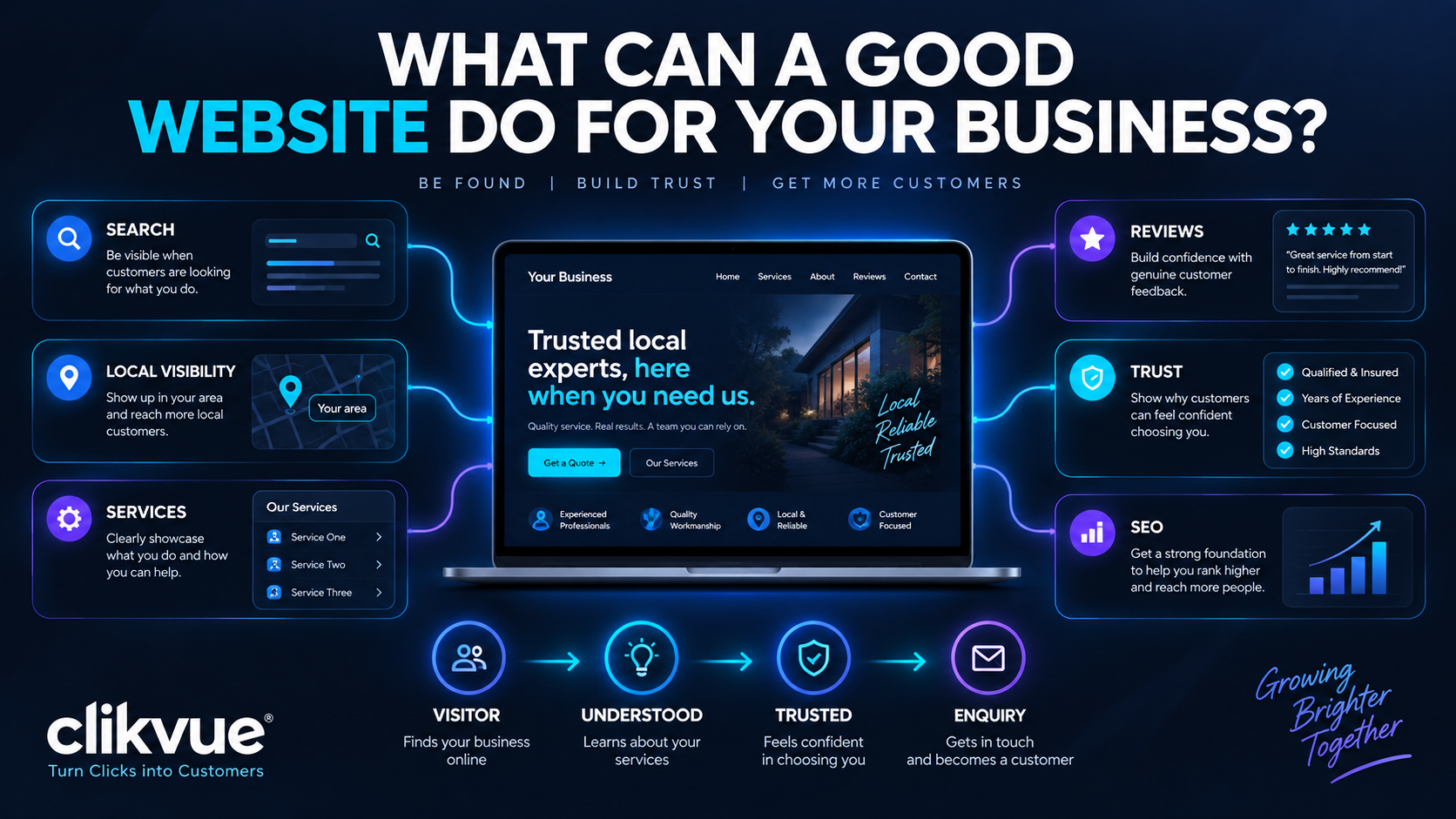
A trustworthy website does three things well:
Clarity — I understand what you do.
Evidence — I can see reasons to believe you.
Safety — I feel comfortable taking the next step.
Quick answer: what are website trust signals?
Website trust signals are details that help visitors feel confident that a business is genuine, credible and capable of doing what it says it can do.
They can include customer reviews, real contact details, case studies, team information, accreditations, clear policies, secure browsing and examples of previous work.
The strongest trust signals do one thing particularly well:
The best ones replace claims with evidence.
Here are 11 trust signals every small business website should consider.
1. Make it immediately clear who you are and what you do
Trust starts with clarity.
When somebody lands on your homepage, they should not have to work out what your business actually does.
Your opening section should answer a few basic questions quickly:
- What do you do?
- Who do you help?
- What should I do next?
Compare:
“Building better experiences for tomorrow.”
with:
“Boiler servicing and repairs for homeowners across Buckinghamshire.”
The second line might not win an advertising award, but a potential customer knows immediately what the business does.
That matters.
A vague homepage creates uncertainty before the visitor has even started thinking about whether to contact you. Your business name, main service, location or service area where relevant, and primary next step should all be easy to find.
Trust test: Show your homepage to somebody who does not know your business for five seconds, then close it. Can they tell you what you actually do?
If not, clarity is probably a better place to start than almost any other website improvement.
2. Show genuine contact information
A contact form on its own can feel a little anonymous.
Visitors often want to see signs that there is a real business behind the website. Depending on what you do, useful contact information might include:
- A telephone number
- A business email address
- Your location or service area
- Opening hours
- A registered office or business address where appropriate
- A dedicated contact page
Google recommends making contact and customer support information easy to find, including a dedicated contact or support page where appropriate.
You do not need to publish every possible way of reaching you. The point is to avoid leaving customers with the feeling that, if something went wrong, they would have no idea who they were dealing with or how to get hold of you.
For UK limited companies, some company information is also a legal requirement. GOV.UK states that company websites must display information including the registered company number, registered office address, where the company is registered, and the fact that it is a limited company.
A well-built footer is often a sensible place for this information.
3. Put real people behind the business
Small business websites often become more trustworthy as soon as they stop feeling anonymous.
Tell people who they are dealing with.
That does not mean you need a 1,500-word company history. A useful About page can cover things such as:
- Who started the business
- Why you do what you do
- Who is actually on the team
- Your relevant experience
- The areas or customers you work with
- What customers can expect from you
Where possible, use genuine photographs rather than generic stock images.
If you are a plumber, consultant, clinic, electrician, salon, accountant or other local service business, a customer may eventually be inviting you into their home, trusting you with sensitive information, or paying you a substantial amount of money.
It helps to know who is on the other side of the enquiry.
Google's guidance around helpful, reliable content also encourages transparency around who created content and who is responsible for a website.
You do not need to make your business look bigger than it is. For many small businesses, being visibly small, local and owner-led can work in your favour.
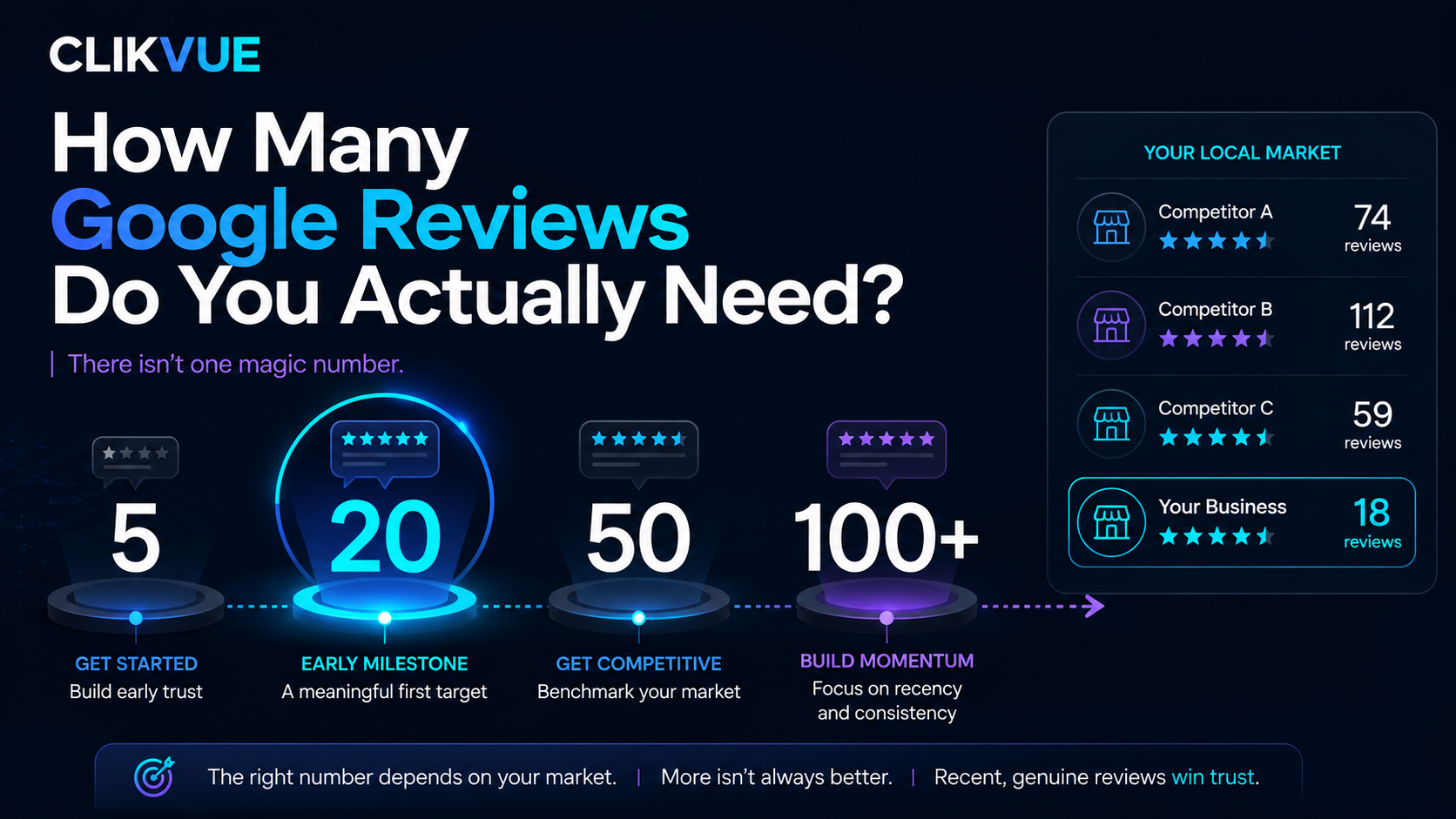
4. Use genuine customer reviews and testimonials
Reviews are an obvious trust signal, but the way you present them matters.
A homepage saying:
"Our customers love us!"
is just a claim.
A recent review explaining what you did, what problem you solved and what the experience was like gives the visitor something concrete to judge.
Specific testimonials are usually more convincing than anonymous praise. With the customer's permission, you might include details such as:
- Customer name
- Company name
- Location
- Service provided
- Link to the original review
- Date or recency
- Photo where appropriate
You can also send visitors to independent review platforms or your Google Business Profile, rather than asking them to rely entirely on testimonials you selected yourself.
There is a compliance point here too. Since April 2025, fake reviews and some misleading review practices are banned under the UK's Digital Markets, Competition and Consumers Act regime. That includes fake reviews and paid reviews that are not properly disclosed. Businesses that publish consumer reviews also have responsibilities around preventing and removing banned review content.
The practical takeaway is simple: do not manufacture trust. Earn it.
Five believable reviews can do more for you than fifty that look suspicious.
5. Show evidence of work you have actually completed
A lot of small business websites make strong claims and then stop there.
They say they are experienced. They promise excellent service. They describe their work as high quality.
But visitors still need something they can look at.
Depending on your industry, useful proof might include:
- Before-and-after photographs
- Completed projects
- Case studies
- Portfolio examples
- Customer results
- Screenshots
- Examples of work
- Project galleries
A case study does not need to be complicated. A simple structure is often enough:
The situation: What did the customer need?
The work: What did you do?
The outcome: What changed?
A kitchen fitter might show the finished renovation. An SEO company might explain how a client's online visibility improved. An accountant might describe how they helped a business organise its bookkeeping. A consultant might walk through a problem they helped a customer solve.
Specific proof makes broad claims easier to believe.
Claims vs Evidence
Trust grows when claims are backed by proof.
Your website can say almost anything. What makes those statements believable is the evidence sitting behind them.
“We're highly experienced.”
Named team members with relevant experience.
“Customers love us.”
Genuine, recent reviews from real customers.
“We deliver great results.”
Case studies, completed projects and examples of your work.
“We're fully qualified.”
Verifiable qualifications, memberships or accreditations.
“We're easy to work with.”
A clear process explaining what happens after an enquiry.
The principle is simple: the stronger the evidence, the less your visitor has to take on faith.
6. Display relevant qualifications, memberships and accreditations
If your industry has recognised qualifications, certifications, trade bodies or professional memberships, put them somewhere visitors can see them.
Depending on your sector, that could include professional registrations, trade memberships, manufacturer certifications, industry qualifications or recognised schemes.
Only display credentials that are genuine, current and relevant.
A wall of badges does not automatically make a website trustworthy, especially if visitors have no idea what any of them mean.
Where it helps, add a short explanation:
"Registered with [organisation], meaning..."
If there is a page where people can verify the membership, link to it.
Credentials matter most in sectors where customers are making decisions involving safety, finances, health, their home or large amounts of money.
7. Explain what actually happens after somebody contacts you
A visitor can like what they have seen and still hesitate before clicking Get a Quote.
They may be wondering what happens next. Will somebody call straight away? Will they get a stream of sales emails? Are they committing to anything? How long will a reply take? Do they need information ready?
Your website can answer those questions before they become reasons not to enquire.
Underneath an enquiry button, for example, you could say:
"Tell us a little about what you need. We'll review your enquiry and normally get back to you within one working day. There's no obligation."
That small bit of context can make the next step feel much safer.
The same idea applies to pricing.
You do not have to publish exact prices if your work is genuinely bespoke. But if a customer has no idea whether your service costs £100, £1,000 or £10,000, some guidance can help.
That could be as simple as:
"Projects typically start from..."
or:
"Following an initial conversation, we'll provide a clear written quote before any work begins."
Good websites remove avoidable uncertainty.
8. Make sure your wider online presence matches your website
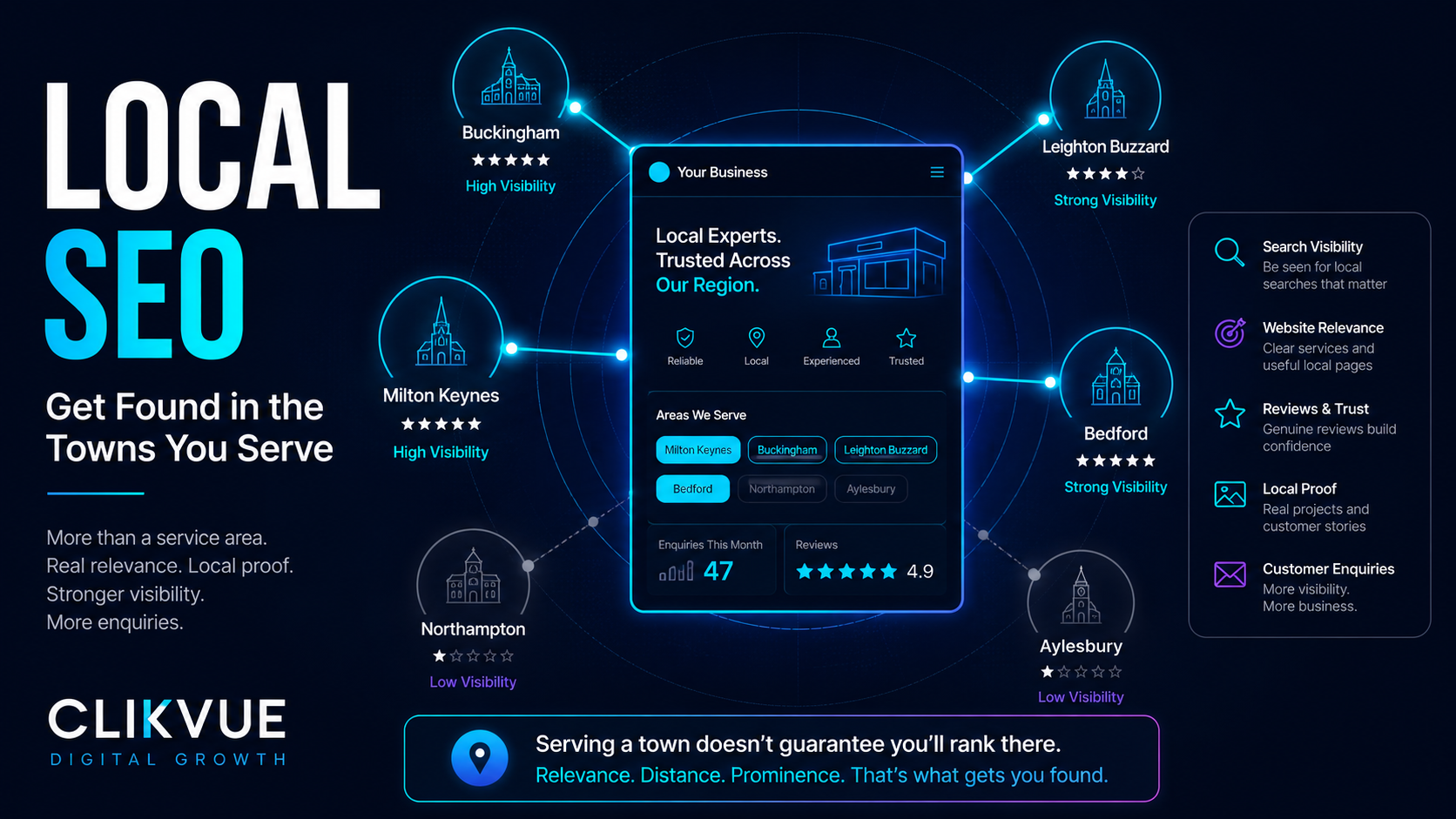
Visitors do not always stay on your website. They may search your business name, look at your Google Business Profile, check Facebook or LinkedIn, and compare things like phone numbers, reviews, addresses, photographs and opening hours.
If your website says you close at 5pm but Google says 3pm, your Facebook page has not been updated for four years, and three different phone numbers appear online, something starts to feel off.
Keep important business information reasonably consistent across the places customers are likely to find you.
Google also supports organisation and local business information through structured data, which can help it understand details such as your address and contact information.
For local businesses in particular, your website and Google presence should feel like they belong to the same company.
Your website doesn't exist in isolation.
A customer may move from Google → your website → your reviews → social media → back to your website before contacting you.
If the details they find don't match, trust starts to fall.
9. Include the privacy, legal and business information people expect
Legal pages are not the most exciting part of a website, but they still matter.
If your site collects personal information through enquiry forms, bookings, newsletter sign-ups or other methods, visitors should be able to understand what happens to that information.
The Information Commissioner's Office says privacy information should be accessible, transparent and easy to understand. Its guidance covers things such as why personal data is being processed, how long it is kept and who it may be shared with.
Depending on what your website does, you may need pages or information covering:
- Privacy
- Cookies
- Terms and conditions
- Returns or cancellations
- Company information
Cookie compliance also needs more than a banner saying, "By using this website you accept cookies".
The ICO states that visitors must be told about cookies and that, where cookies are not strictly necessary, user agreement is generally required before using them.
These pages help with compliance, but they also reassure visitors that you have thought about what happens after they hand over their information or money.
10. Keep the website secure, working and visibly maintained
A website can contain plenty of trust signals and still lose credibility if it looks abandoned.
Broken pages, expired offers, missing images, copyright notices from 2018, dead social links and forms that do not work all create doubt.
Your website should use HTTPS and appropriate security measures, especially where visitors are providing information.
The UK's National Cyber Security Centre provides cyber security guidance and tools for small organisations, including a free service that checks some publicly visible vulnerabilities.
Visitors will also notice whether the site looks maintained. Every few months, check things like:
- Does the contact form still work?
- Are your opening hours correct?
- Are team members current?
- Do all buttons work?
- Are prices or offers still valid?
- Are there broken links?
- Are recent reviews or projects visible?
- Does the site work properly on a phone?
You do not need to redesign your website every year. It just needs to feel like somebody still owns and looks after it.
11. Give people a clear, sensible next step
Trust does not help much if the visitor reaches the end of a page and has no idea what to do next.
Every important page should lead somewhere. That might be:
Request a quote
Book a consultation
Call us
Check availability
Send an enquiry
Visit our showroom
The right action depends on how much commitment you are asking for.
Someone reading their first article on your website may not be ready to BUY NOW. They might be ready to request an assessment, ask a question or book a short conversation.
Calls to action should also tell people what they are getting.
Compare:
SUBMIT
with:
Request My Quote
Or:
CONTACT
with:
Book a Free 30-Minute Call
A clear next step makes the website easier to use. Once a visitor trusts you, it also gives them somewhere obvious to go.
Trust is built through evidence, not decoration
There is no single badge, testimonial or design trick that makes somebody trust a business.
Confidence builds as people find more reasons to believe what you are telling them: a clear explanation of what you do, real people behind the company, genuine reviews, evidence of previous work, contact information, relevant credentials, sensible expectations, accurate business information, proper privacy and legal pages, a website that actually works, and a clear next step when they are ready.
None of those things is dramatic on its own. Together, they can change how a potential customer feels about your business.
That is also why making a website "look nicer" does not always increase enquiries. Sometimes the problem is not the colour scheme. The visitor simply needs more evidence before they are ready to contact you.
A quick trust test for your own website
Open your website as if you have never heard of your business before, then ask yourself:
- Can I tell exactly what this business does?
- Can I see who is behind it?
- Can I find genuine contact information?
- Can I see what previous customers think?
- Can I see evidence of real work or results?
- Can I verify any important credentials?
- Do I understand what happens if I make an enquiry?
- Does the business look consistent elsewhere online?
- Can I find appropriate privacy and business information?
- Does the website feel current, secure and maintained?
- Is the next step completely obvious?
Every no adds a little more uncertainty for a potential customer.
You do not necessarily need a complete website rebuild to fix those gaps. Sometimes the biggest improvement is simply adding the information visitors were looking for in the first place.
Quick Website Trust Check
How many of these 11 trust signals can your website confidently tick?
Look at your website as if you were a potential customer seeing the business for the first time.
- ✓ Clear explanation of what you do
- ✓ Genuine contact information
- ✓ Real people behind the business
- ✓ Genuine customer reviews
- ✓ Evidence of previous work or results
- ✓ Relevant qualifications or credentials
- ✓ A clear enquiry or customer process
- ✓ Consistent information across the web
- ✓ Privacy, legal and business information
- ✓ A secure and maintained website
- ✓ A clear next step for the visitor
So, how does your website look?
Not sure what your website is missing?
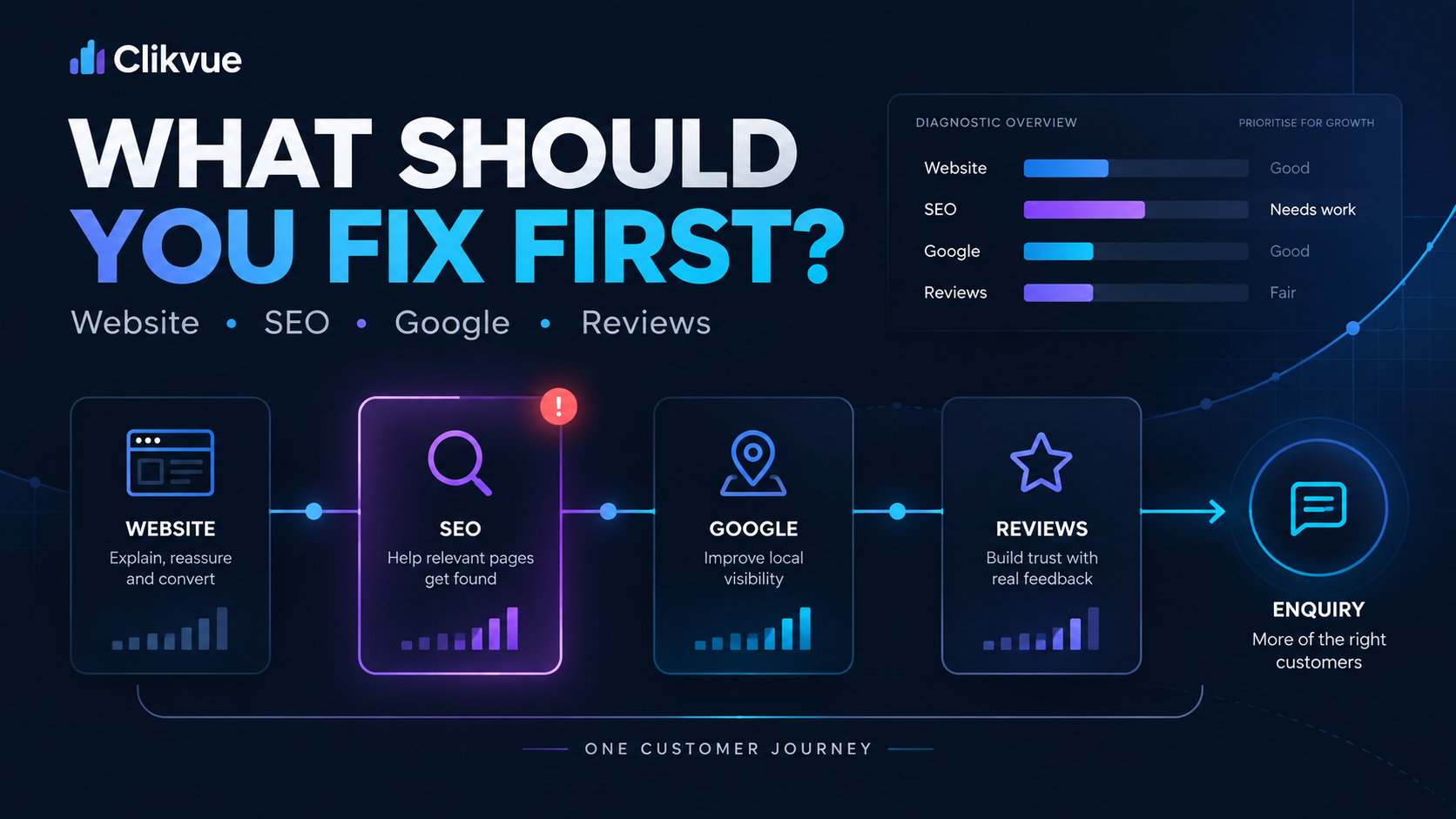
Clikvue helps small businesses understand how well their online presence is working, including website clarity, Google visibility, reviews, trust and the journey from visitor to enquiry.
If you'd like to talk through your website and online presence, book a free 30-minute Growth Review. If you'd prefer a more detailed assessment, request a personal Snapshot Report.
Resources
Sources
Recent Posts