CLIKVUE GROWTH HUB
Getting Website Traffic but No Enquiries?
Seeing your website traffic increase should feel like progress.
But if more people are visiting and the phone is still quiet, forms are barely being submitted and bookings are not moving, traffic quickly starts to feel like a fairly meaningless number.
The instinct is often to chase even more visitors.
That is not always the right move.
If the wrong people are reaching your website, more traffic simply brings more of the wrong people. If the right people are already arriving but something stops them from enquiring, sending another thousand visitors through the same journey will not fix the underlying problem.
The useful question is not just “How much traffic are we getting?”
It is:
“What happens after the visitor arrives?”
The short answer
If your website gets traffic but very few enquiries, the problem usually sits somewhere between traffic quality, clarity, trust and the enquiry process.
First check whether the right people are reaching the right pages. Then look at whether those pages quickly explain what you offer, give people enough confidence to choose you and make the next step obvious and easy.
You do not necessarily need more traffic. You need to find where the existing journey is breaking.
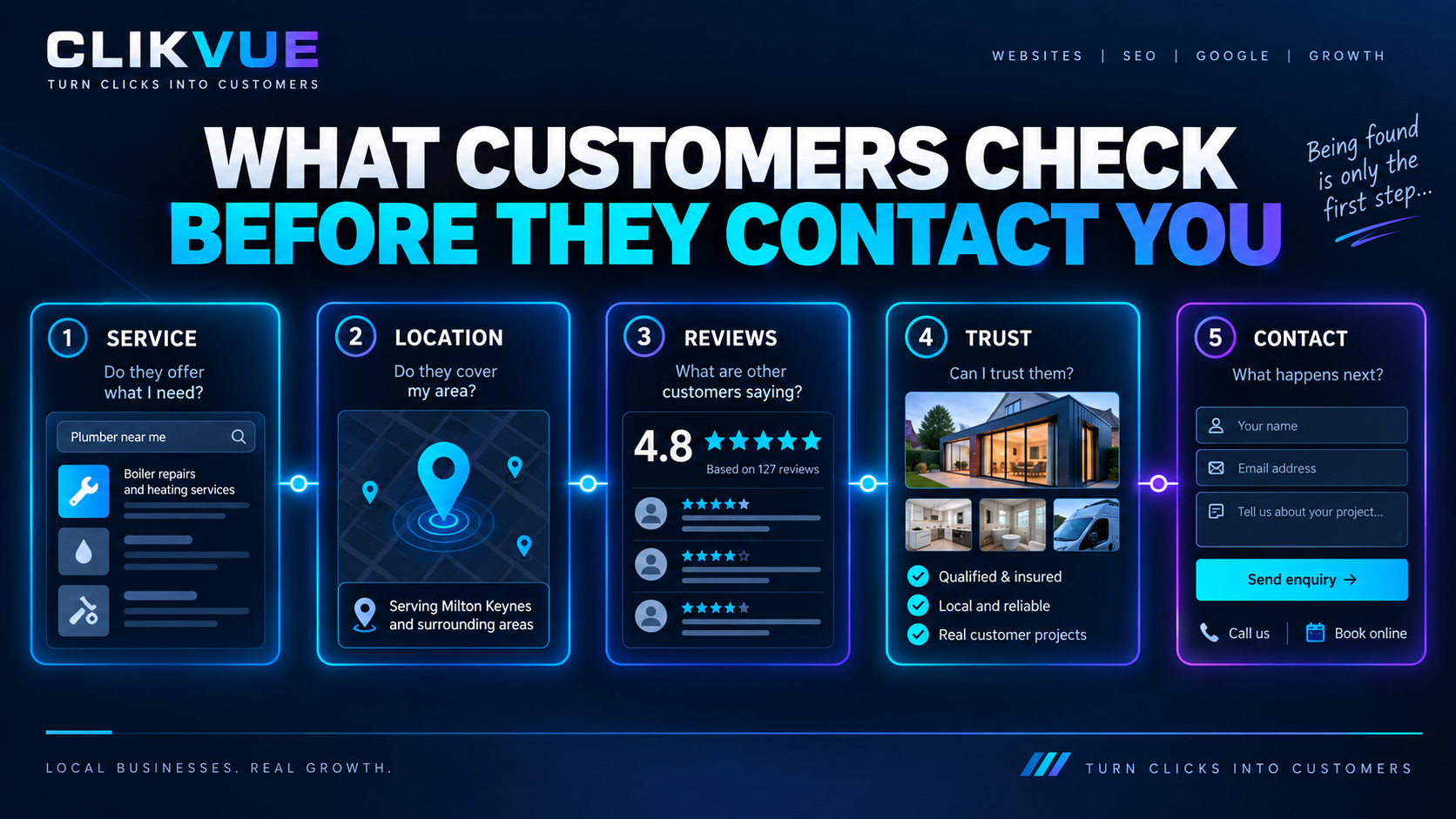
Traffic is only the start of the journey
Every stage needs to work well enough to move the right visitor towards an enquiry.
Before changing your website, work out which problem you actually have
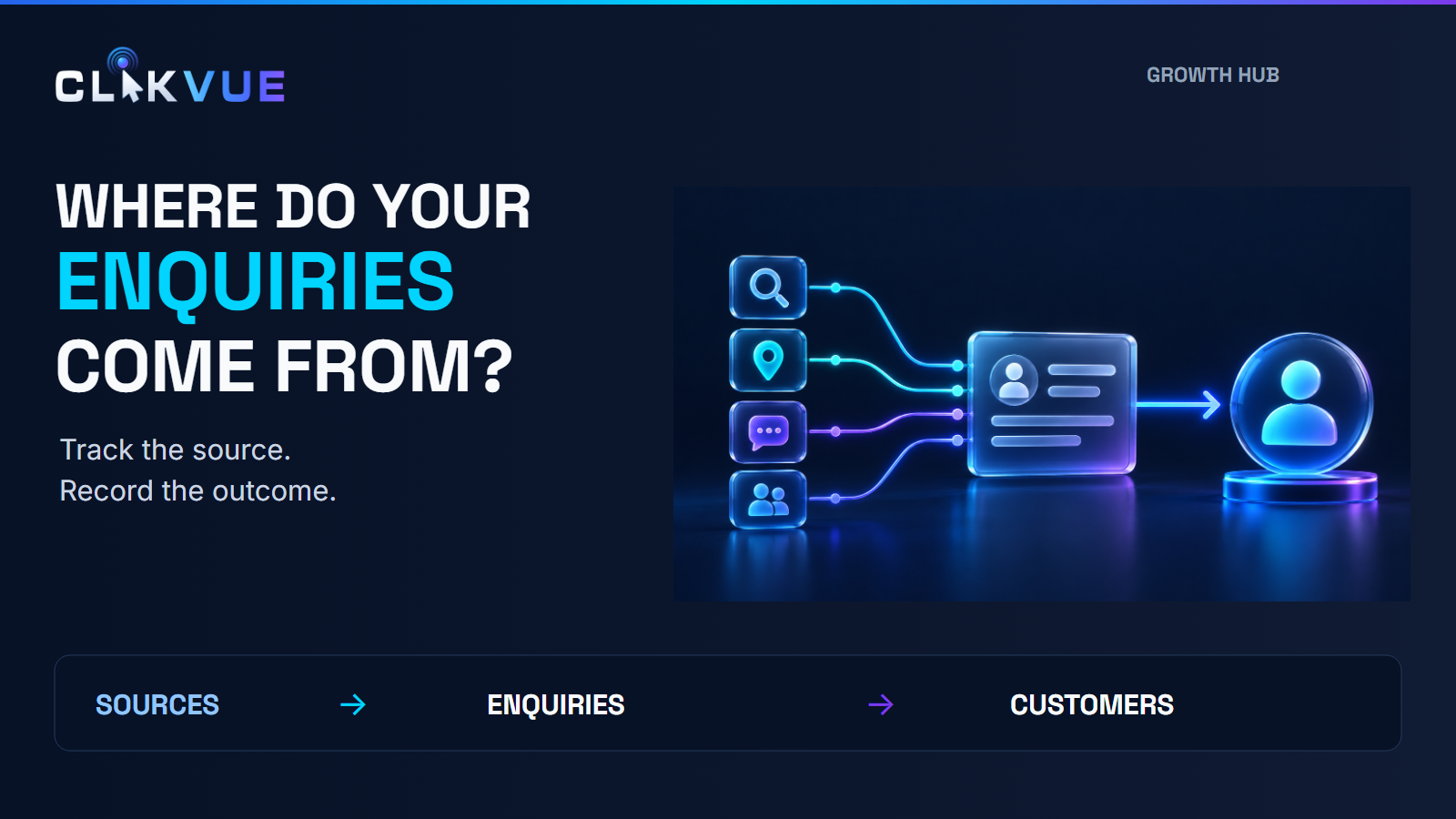
Traffic tells you that somebody visited.
It does not tell you whether that person wanted to buy.
A visitor looking for general advice, an existing customer finding your phone number and someone actively looking for a business to hire can all appear in your traffic figures.
Google Search Console can show which search queries and pages are actually generating clicks from Google, while Google Analytics' acquisition reporting can help show where website sessions originated. Looking at both gives you a much better starting point than judging performance from one overall traffic figure.
Start by looking for patterns.
This distinction matters because each problem needs a different fix.
A website redesign will not correct poorly targeted advertising. More SEO will not solve a confusing contact form. A new call-to-action button will not help much if visitors do not trust the business behind it.
Find the earliest break in the journey first.
1. Check whether the traffic is actually relevant
A rising visitor graph can look reassuring while hiding a fairly basic problem: the people arriving are not potential customers.
Imagine an accountant ranking well for an article explaining how corporation tax works.
That article could attract plenty of searches, but many of those visitors may simply want information. Compare that with somebody searching for an accountant in their town because they need help now.
Both are useful visitors in different ways, but they are at very different stages of making a decision.
Look at:
- which pages receive the traffic
- which Google searches generate clicks
- which locations visitors come from
- whether traffic comes from organic search, adverts, social media or referrals
- whether your highest-traffic pages relate to services you actually sell
Google Search Console's Performance report lets site owners break search data down by queries, pages, countries and devices, which makes it particularly useful for this diagnosis.
If most of your growth is coming from broad informational content, the website might not be failing at all. You may simply be measuring audience growth as though it were buying intent.
That does not mean informational content is worthless. It means you should not expect every type of traffic to behave the same way.
2. Look at the page people actually land on
Business owners naturally judge their website from the homepage.
Visitors do not always start there.
Someone coming from Google might arrive directly on a service page, location page or article. Someone clicking an advert could land on a dedicated campaign page.
Open your most visited landing pages and pretend you know nothing about the business.
Can you quickly tell:
What does this business do?
Who is it for?
Why should I consider them?
What should I do next?
If those answers require scrolling through several vague sections or decoding marketing language, the page is making the visitor work too hard.
Nielsen Norman Group recommends that homepages communicate their value proposition clearly, including through the main hero area, so visitors can understand the relevance of the business quickly.
The same principle applies to important landing pages.
Clear usually beats clever.
“Emergency boiler repairs across Northamptonshire” tells a customer far more than “Heating solutions built around you.”
One sounds less creative.
It is also much harder to misunderstand.
3. Make sure your offer is specific enough
Sometimes the website explains the service but still gives visitors very little reason to act.
Statements such as:
“Quality service.”
“Competitive prices.”
“Customer focused.”
“Solutions tailored to you.”
could appear on thousands of websites.
They do not necessarily tell the customer anything useful.
Specific information is stronger.
That might include the areas you cover, the type of customer you specialise in, how the process works, what happens after someone contacts you, typical turnaround expectations or what makes your approach genuinely different.
The goal is not to fill the page with sales copy.
It is to remove uncertainty.
A prospect who understands exactly what you offer can decide whether it fits.
A prospect who is still trying to work that out has another option available at all times: go back to Google.
4. Check whether you have actually earned the visitor's trust
Reaching your website does not mean somebody is ready to contact you.
Before sharing their details, inviting somebody into their home, booking an appointment or asking for a quote, people often want reassurance that they are dealing with a credible business.
This is where trust signals matter.
Useful proof can include:
- genuine customer reviews
- photographs of completed work
- case studies or examples
- clear business and contact information
- professional accreditations where relevant
- named people behind the company
- transparent information about what happens next
- policies and supporting information appropriate to the service
The strongest proof depends on the business.
A tradesperson might benefit heavily from project photographs and local reviews. A consultant may need more detailed case studies and evidence of expertise. A clinic may need professional credentials and clear information about its practitioners.
Do not add badges simply because they look reassuring.
Ask what a cautious customer would genuinely want to verify before getting in touch.
5. Make the next step obvious
A visitor can understand your service, trust the business and still leave because you have not made the next action clear.
Look at the important pages again.
What is the main action?
Call?
Request a quote?
Book an appointment?
Send a message?
Get an assessment?
If the page has six competing buttons, several different offers and no clear hierarchy, the visitor has to decide what you intended them to do.
That decision should not be their job.
Choose the most sensible next step for that page and make it easy to find.
You can still provide alternatives where useful. A customer who is not ready to book a consultation might prefer to send a short message. Somebody on mobile may want to call rather than complete a form.
The point is not to force everybody down one route.
It is to make the available routes unmistakable.
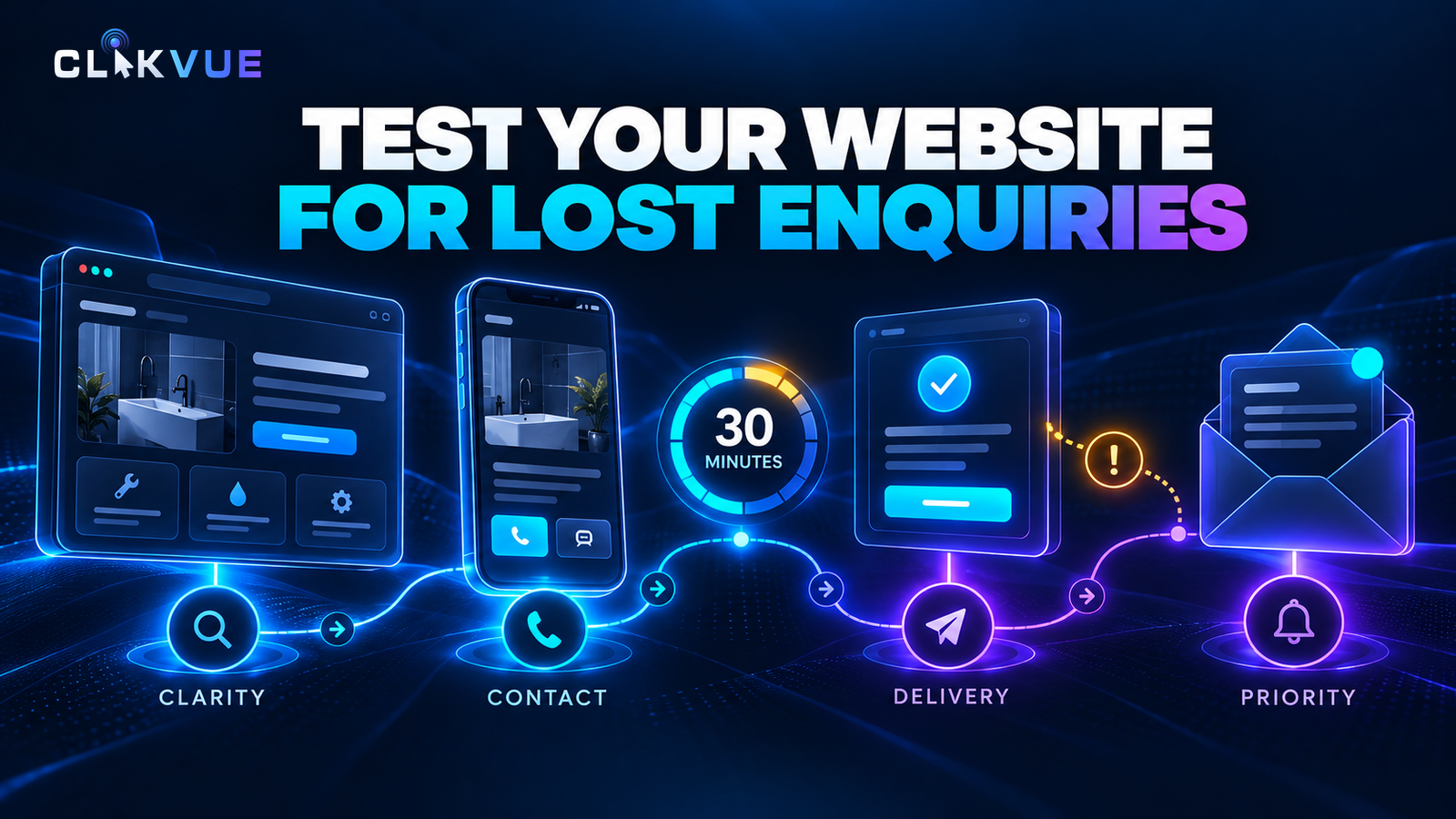
6. Test the enquiry process yourself
Try becoming your own customer.
Open the website on your phone and:
✓ Find your main service
✓ Understand what happens next
✓ Tap the main CTA
✓ Complete the enquiry form
✓ Check the confirmation
✓ Confirm the enquiry actually arrives
If any step feels awkward to you, it is worth investigating.
This sounds obvious.
It is also surprisingly easy to overlook.
Open your website on your phone and actually try to become a customer.
Tap the buttons.
Call the phone number.
Complete the form.
Try the booking system.
Read the confirmation message.
Then ask how much effort the process required.
Long forms deserve particular attention. GOV.UK's form-design guidance recommends only asking users for information you actually need, while its guidance on writing interface questions emphasises keeping questions understandable and straightforward.
A local service business probably does not need a prospective customer to complete a miniature application form just to ask for a call back.
Every unnecessary field creates another opportunity to stop.
You can always gather more detail after the conversation begins.
Also check the basics.
Does the form submit correctly?
Does the customer know it worked?
Where does the notification go?
Is somebody actually monitoring that inbox?
What happens if a lead arrives outside normal working hours?
A website conversion problem does not always end at the website.
7. Check the mobile experience, not just the desktop version
You probably spend more time looking at your own website on a laptop than many of your customers do.
That makes desktop-only checking risky.
Buttons that look perfectly placed on a large screen can become awkward on mobile. Large images can dominate the page. Contact information can disappear several screens down. Pop-ups can cover important content.
Performance matters too.
Google's Core Web Vitals measure aspects of real-world loading performance, interactivity and visual stability, and Google recommends achieving good Core Web Vitals for user experience as well as Search.
You do not need to obsess over achieving a perfect performance score.
You do need a website that feels quick, stable and easy to use on the devices your customers actually use.
Google's PageSpeed Insights can give you a useful technical starting point.
8. Make sure you are measuring enquiries properly
There is one final possibility worth ruling out.
Your website may be generating more activity than your reporting suggests.
Google Analytics allows important actions to be recorded as key events, and Google's lead-generation reporting guidance specifically supports analysing interactions such as starting and submitting website forms.
For a small business, useful actions might include:
- completed contact forms
- appointment bookings
- quote requests
- important phone-number clicks
- other meaningful enquiry actions
The measurement does not need to become complicated.
You simply need enough information to answer useful questions.
Which pages generate enquiries?
Which traffic sources produce them?
Are people reaching the contact process and abandoning it?
Did a recent website change improve anything?
Without this, it becomes very easy to make website decisions based on instinct.
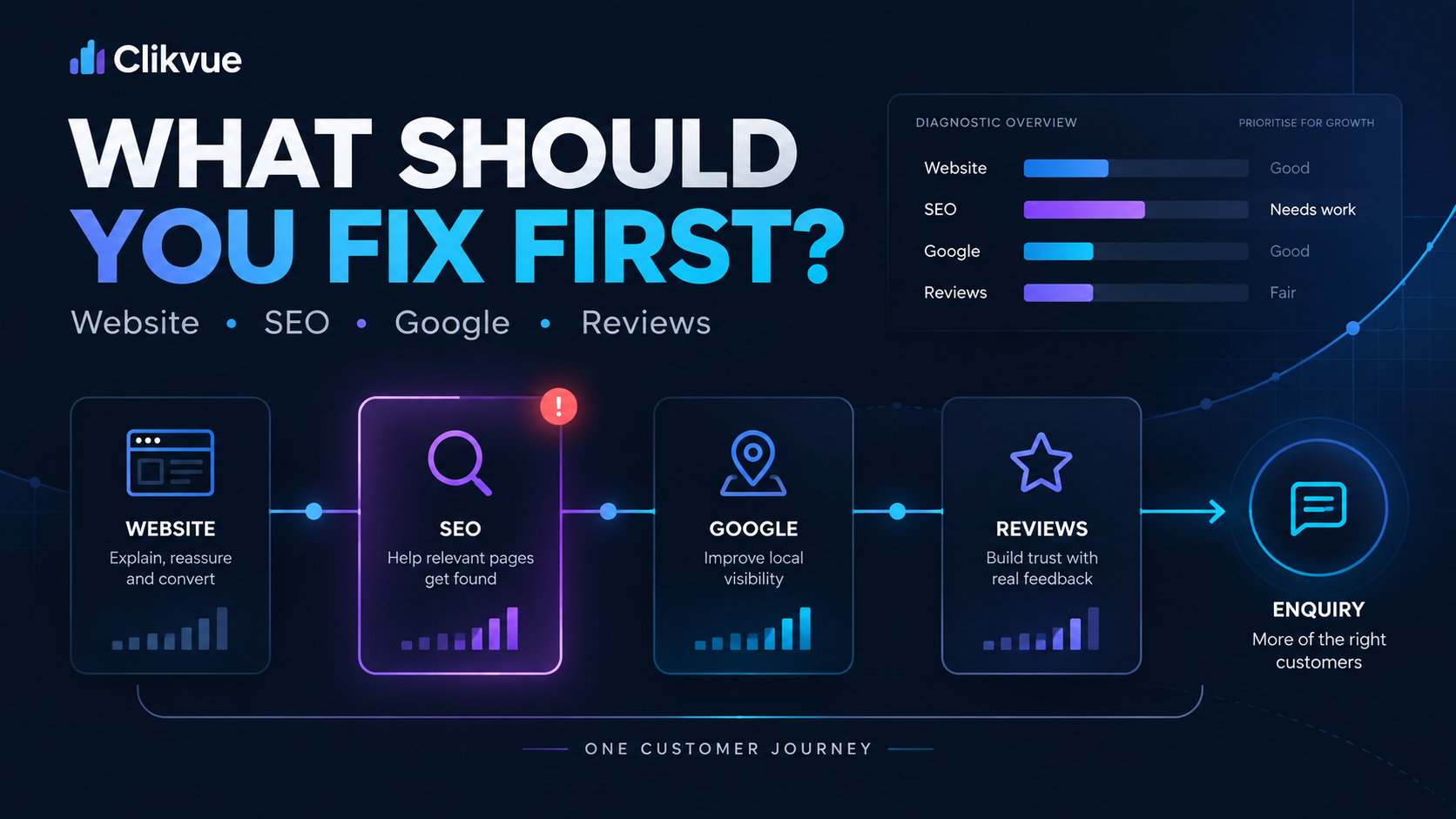
What should you fix first?
Do not start by redesigning the entire website.
Start with the earliest point where the journey appears to break.
If the wrong visitors are arriving
Review your SEO targeting, advertising, content and landing pages.
If the right visitors arrive but do not understand the offer
Fix messaging and page structure.
If they understand it but do not trust you
Improve the proof and reassurance around the service.
If they appear interested but do not enquire
Look closely at calls to action, forms, booking journeys and mobile usability.
If enquiries happen but you cannot see where they came from
Fix the measurement.
This order matters.
Otherwise it is easy to spend money improving something that was never the real problem.
Start with the first “No”
You do not need to improve everything at once. Work through these questions and find the first point that does not feel convincing.
A simple website enquiry check you can do today
Choose one of your most important service pages.
Now answer these questions without giving yourself the benefit of knowing the business:
- Would the right potential customer realistically arrive here?
- Can they understand the service quickly?
- Is it clear who the service is for?
- Is there enough evidence to trust the business?
- Can they immediately see the next step?
- Is that next step easy to complete on a phone?
- Does the enquiry process actually work?
- Can you measure whether somebody completed it?
You will often find more useful information from that exercise than from staring at the total visitor count.
Traffic is only the beginning
Getting people onto your website is important.
But traffic is not the finish line.
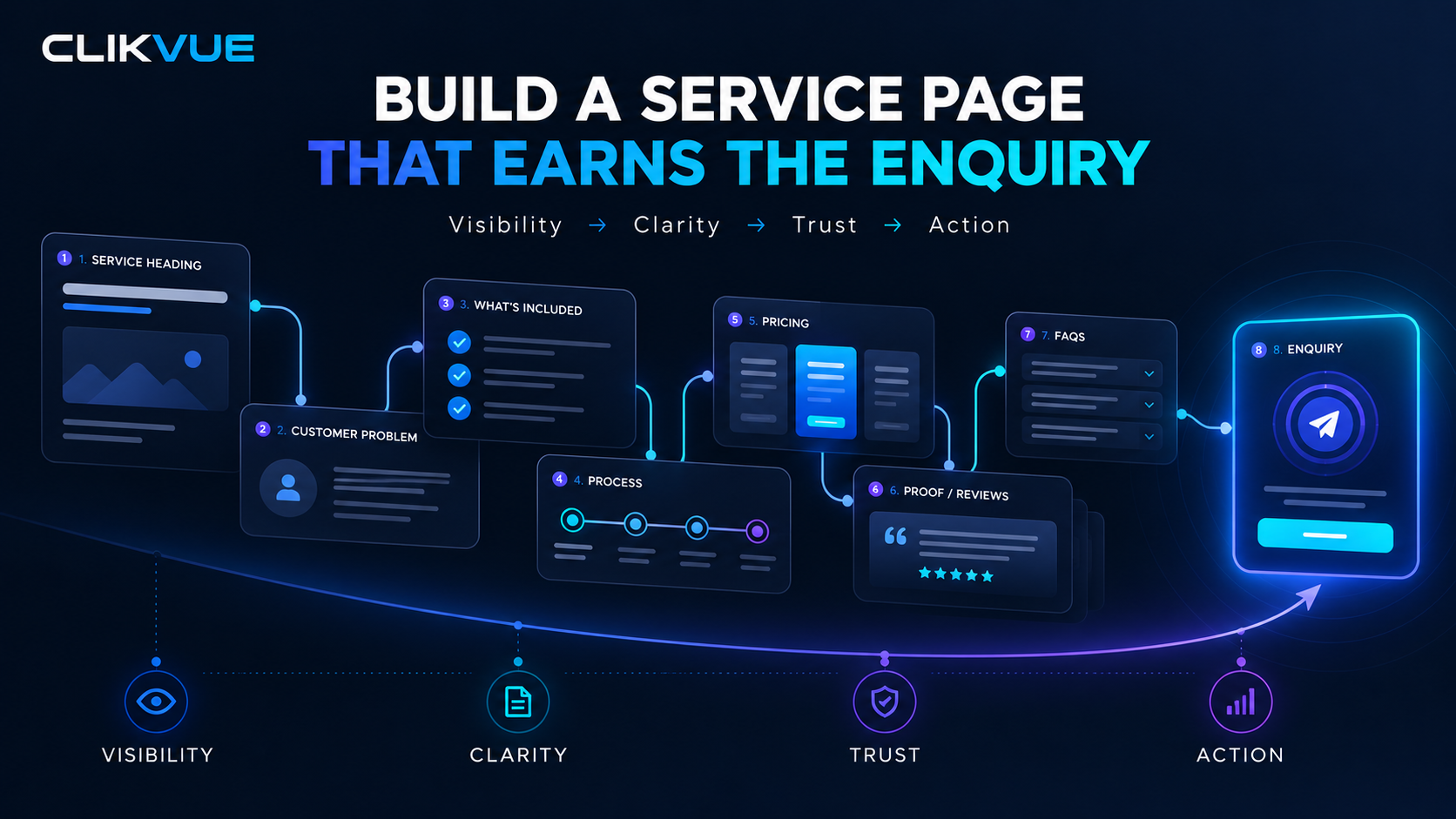
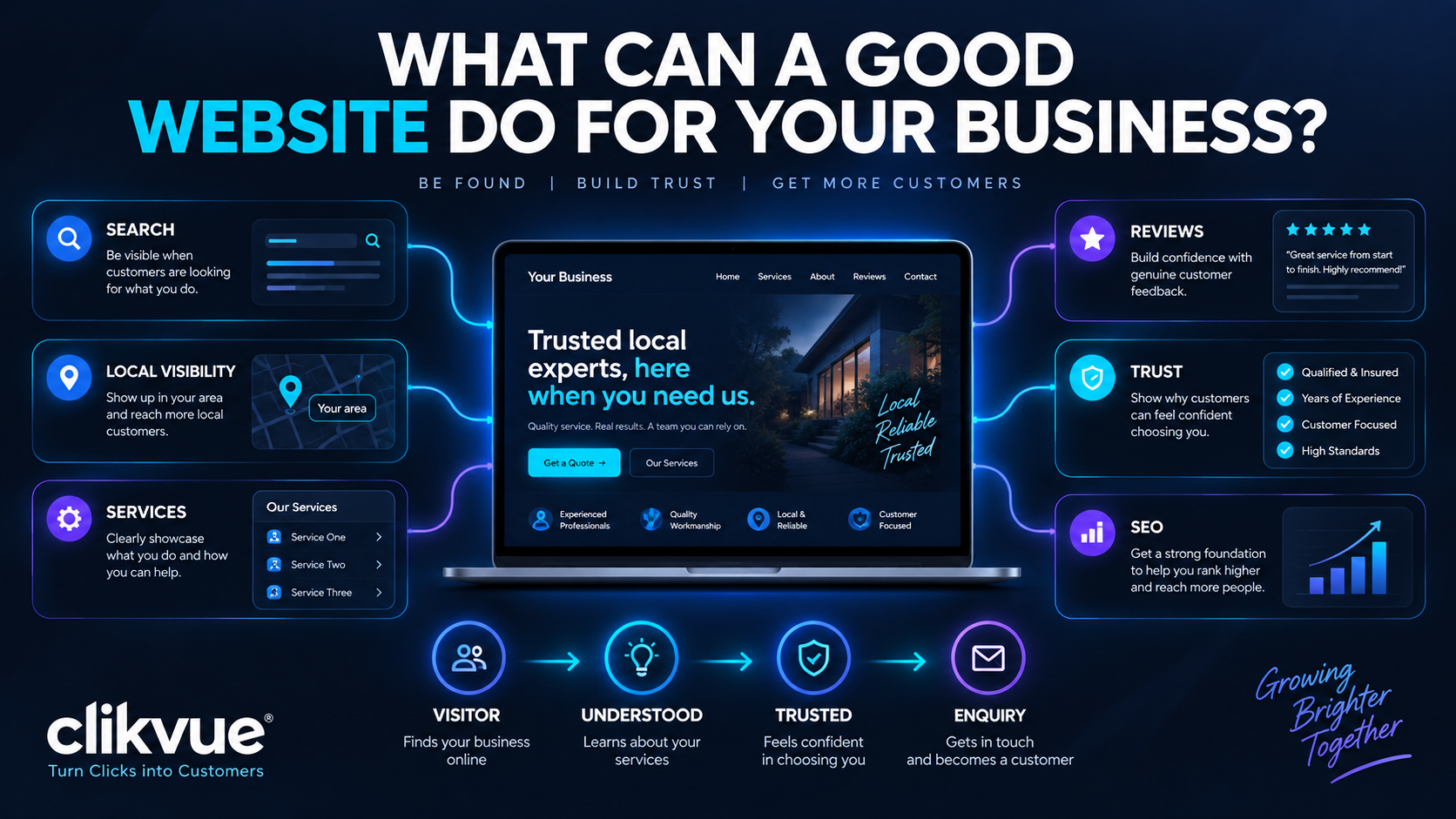
For a small business, the website needs to carry the visitor from interest to understanding, from understanding to confidence, and from confidence to action.
If that journey is weak, buying more clicks simply sends more people into the same problem.
Find the leak first.
Then decide whether you genuinely need more traffic.
Not sure where your own website is losing potential customers?
The Clikvue Growth Score looks at visibility, credibility, conversion and reputation to help identify where your online presence may be holding enquiries back.
It takes less than two minutes and gives you an instant assessment of the areas worth looking at first.