CLIKVUE GROWTH HUB
How to Create a Service Page That Ranks, Builds Trust and Gets Enquiries
How to Create a Service Page That Ranks, Builds Trust and Gets Enquiries
A good service page has a surprisingly difficult job.
It needs to help Google understand what you offer. It needs to reassure someone that they have landed in the right place. It needs to answer enough questions for them to decide whether your service could suit them. And, eventually, it needs to turn that interest into an enquiry.
A page that only says:
“We offer professional, high-quality services tailored to your needs. Contact us today to find out more.”
does almost none of those things.
Neither does a 1,500-word page that repeats the service name twenty times in an attempt to impress Google.
A genuinely useful service page sits in the middle.
It creates a clear journey:
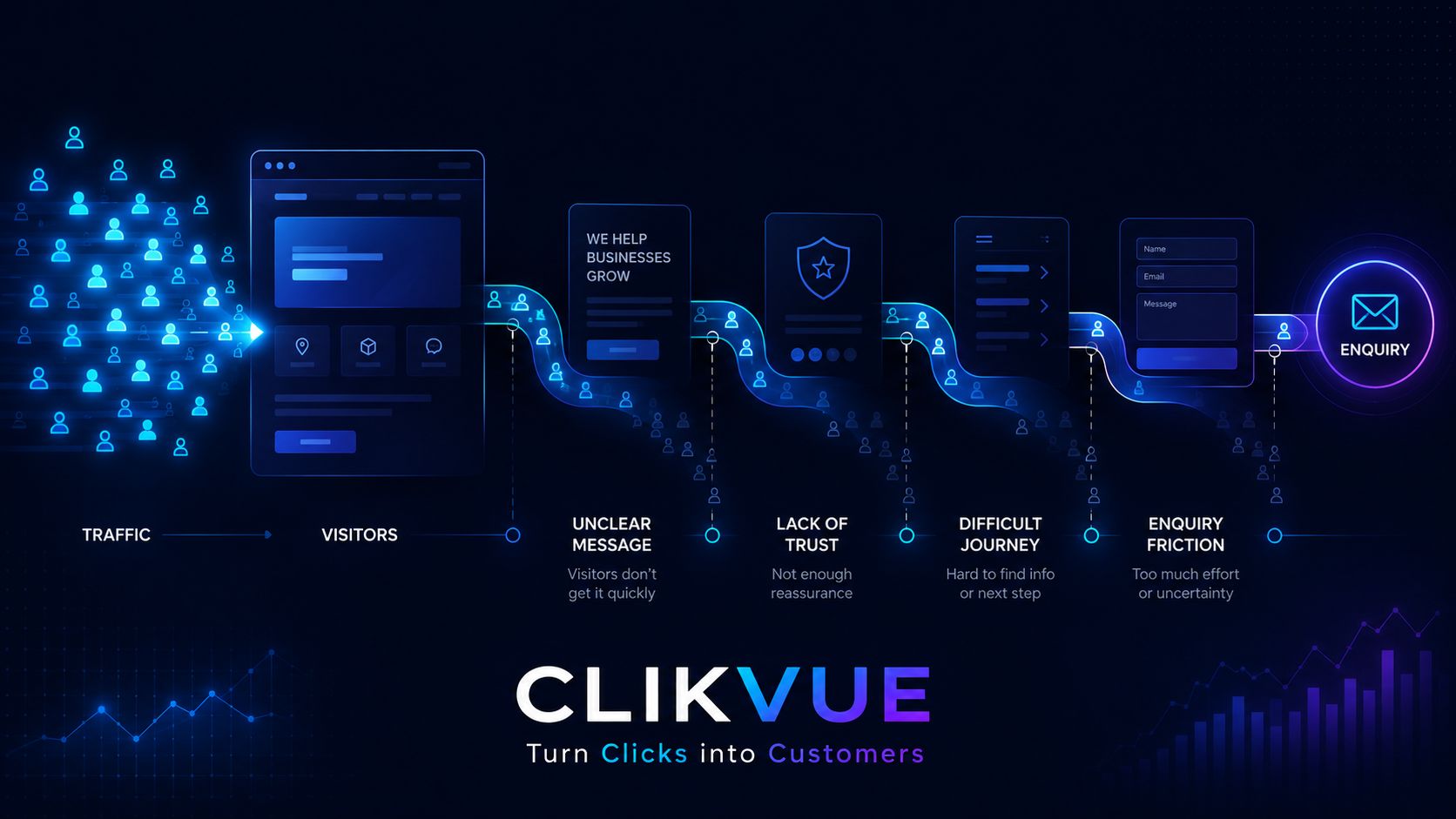
Visibility → relevance and clarity → trust → enquiry.
This guide shows you how to build one.
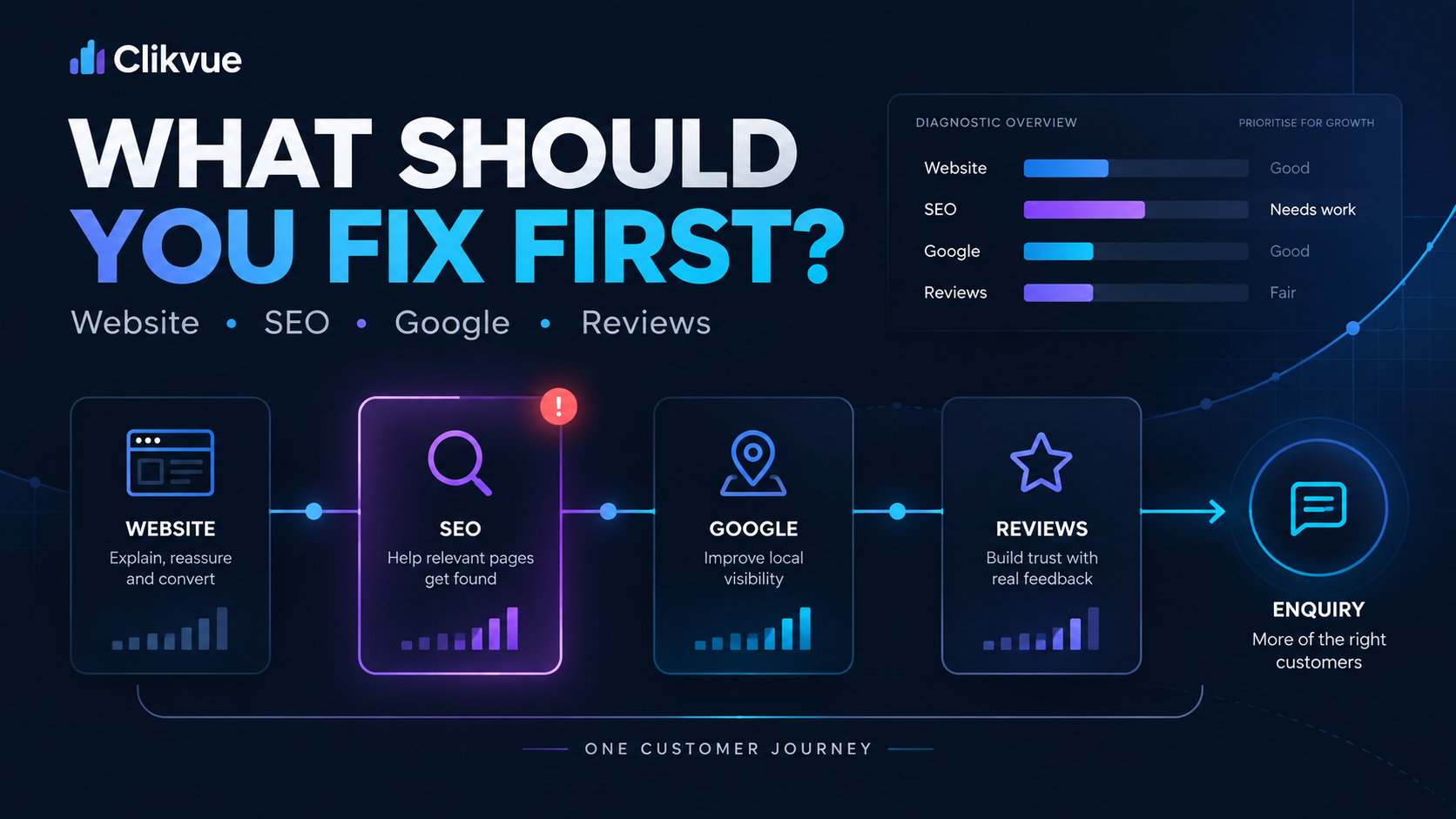
If you're not sure whether your website, SEO, Google visibility or reviews should be your priority in the first place, our guide to Website, SEO, Google or Reviews: What Should You Work on First? can help you decide where the biggest weakness sits.
What a Service Page Needs to Do
A strong service page should move someone from discovering your business to feeling confident enough to take the next step.
Found
Can the right customer discover the page?
Relevant
Can they immediately understand the service?
Trusted
Do they have enough evidence to feel confident?
Enquired
Is the next step obvious and easy to take?
What is a service page actually supposed to do?
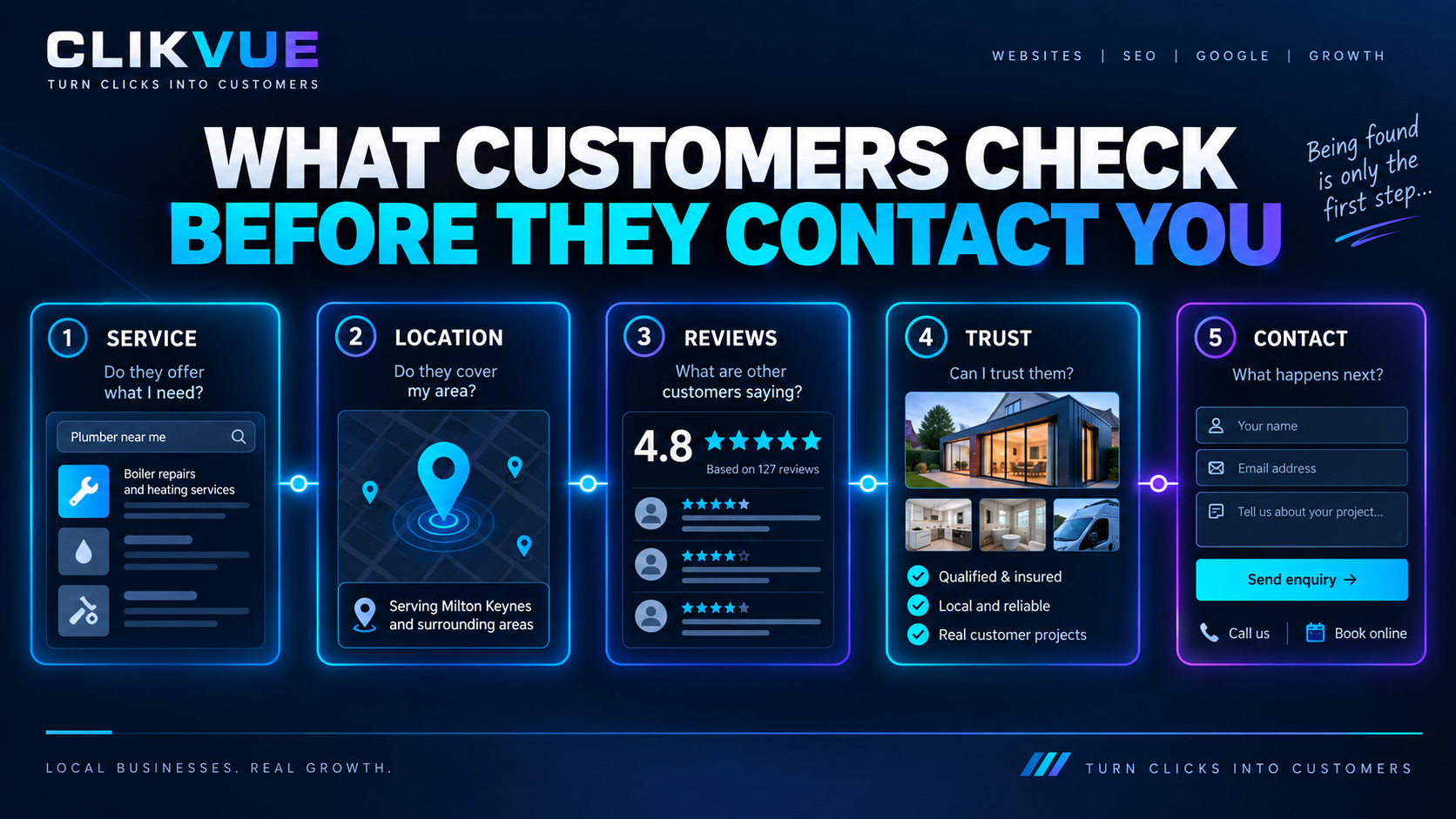
Imagine somebody searches for a service you provide and lands directly on your website.
Before they contact you, they may be trying to answer questions such as:
- Is this actually the service I need?
- Do they work with people or businesses like me?
- Do they cover my area?
- What exactly is included?
- How does it work?
- Roughly what will it cost?
- Can I trust these people?
- What happens if I contact them?
Your service page should progressively remove those uncertainties.
Search engines have a related problem.
They need enough information to understand what the page is about, how it relates to the rest of your website and whether it appears relevant and useful for the search being made.
That is why good SEO content and good customer content often overlap.
Google's own guidance says content should be created primarily to help people, and asks whether somebody would leave the page feeling they had learned enough to achieve their goal.
A service page written around genuine customer questions fits that principle far better than one written around repeating a target keyword.
The difference between a weak and strong service page
Consider a bookkeeping business.
A weak opening might say:
Professional Bookkeeping Solutions
We provide comprehensive, bespoke bookkeeping solutions to businesses of all sizes. Our experienced team delivers a high-quality service tailored to your individual requirements.
It sounds respectable.
But what has the customer actually learned?
Very little.
Compare it with:
Bookkeeping for Small Businesses
Need help keeping your accounts organised without employing someone in-house? We handle day-to-day bookkeeping, bank reconciliation and record keeping for small businesses, with monthly support available.
Already using Xero or another accounting platform? We can normally work with your existing setup.
The second version immediately provides more information.
The customer can begin deciding whether the service fits.
That is the standard to aim for throughout the page.
Should every service have its own page?
Usually, your most important and genuinely distinct services deserve their own pages.
But that does not mean creating a new page for every variation of a service you can think of.
Imagine a plumbing company offering:
Services
- Boiler installation
- Boiler repair
- Boiler servicing
- Emergency plumbing
- Bathroom installation
- Leak repairs
- Tap replacement
- Toilet repairs
Putting all of those onto one generic page gives you very little room to explain important services such as boiler installation or emergency plumbing properly.
Those major services could reasonably warrant dedicated pages.
But creating separate 300-word pages for:
Kitchen tap replacement
Bathroom tap replacement
Outside tap replacement
may achieve very little if all three pages contain essentially the same information.
A simple test helps.
The separate-page test
Ask:
Could I write genuinely different and useful information about this service?
Would the service have different:
- customer problems?
- processes?
- prices or pricing factors?
- timescales?
- examples of work?
- qualifications or credentials?
- FAQs?
- customer concerns?
If yes, a dedicated page may make sense.
If you would simply duplicate another page and swap the service name, combining the information is probably better.
Google specifically warns against large numbers of substantially similar pages created mainly to rank for similar searches.
Does This Service Need Its Own Page?
A different keyword is not enough. A dedicated page makes more sense when the service represents a genuinely different customer need.
Is this a distinct service customers genuinely look for?
Think about the customer's problem, not simply another variation of the same phrase.
Can you give the page genuinely different useful information?
A strong dedicated page should have more to offer than a changed heading and a few rewritten sentences.
Create a dedicated service page
If the service has distinct customer intent and enough useful, specific information to justify its own page.
Keep the information together
If you would mostly duplicate another page and simply swap the service name or target keyword.
Choose one clear topic before you start writing
Every strong service page should have a clear main purpose.
Suppose a physiotherapy clinic offers:
- general physiotherapy
- sports injury rehabilitation
- post-operative rehabilitation
- shockwave therapy
Trying to make one page rank equally strongly for every one of those topics can produce a confusing page.
Instead, decide what the individual page is fundamentally about.
For example:
Page: Sports Injury Physiotherapy
The central intent might be:
Someone has a sports-related injury or recurring problem and wants to understand whether this clinic can assess and treat it.
That gives you a useful filter for everything you write.
You do not then need to force phrases such as:
“sports physiotherapist”
“sports injury physiotherapy”
“sports physio treatment”
“sports physiotherapy near me”
into every section.
Use the terminology customers naturally use, along with sensible related language.
Google's systems are capable of understanding relationships between words and searches. You do not need to mechanically include every keyword variation.
The practical Service Page Blueprint
There is no compulsory Google-approved service-page template.
Different services need different information.
But for most local and service businesses, the following structure gives you an excellent starting point.
| Page section | Main job |
|---|---|
| 1. H1 + opening | Confirm the visitor has found the right service |
| 2. Early CTA | Give ready-to-buy visitors an immediate next step |
| 3. Customer problem / suitability | Show who the service is for |
| 4. Service explanation | Explain clearly what you actually do |
| 5. What is included | Remove uncertainty around scope |
| 6. Process | Explain what happens |
| 7. Pricing guidance | Reduce uncertainty about cost |
| 8. Service-specific proof | Build trust |
| 9. Areas covered | Confirm geographical relevance |
| 10. FAQs | Answer remaining objections and questions |
| 11. Related/internal links | Help visitors continue their journey |
| 12. Final CTA | Make the next step unmistakable |
Let's build it properly.
Build the Page in This Order
There is no compulsory template, but this gives most local and service businesses a strong structure for moving someone from understanding the offer to feeling confident enough to enquire.
H1 + Clear Opening
Say what the service is, who it is for and where you provide it if relevant.
Early CTA
Give ready-to-act visitors an obvious next step without making them search for it.
Customer Need
Show the situation, problem or need that makes the service relevant.
Service Explanation
Explain what you actually do in language a customer can understand.
What's Included
Make the scope tangible so the customer knows what they are actually getting.
Process
Explain what happens from the first enquiry through to delivery or completion.
Pricing Context
Show a price, range, starting point or the main factors that affect cost.
Proof + Trust Signals
Use relevant reviews, qualifications, guarantees or examples of similar work.
Areas Covered
Confirm where you genuinely work without stuffing the page with town names.
FAQs
Answer the real questions customers ask before deciding whether to contact you.
Useful Internal Links
Help visitors continue to related services, guides or trust-building pages.
Final CTA
Finish with one clear action such as requesting a quote, booking or making contact.
1. Start with an H1 that actually names the service
Your main heading should make the page immediately understandable.
Avoid making visitors decode a clever slogan.
Weak:
Solutions That Keep You Moving
Better:
Sports Injury Physiotherapy in Northampton
Weak:
Protecting What Matters
Better:
Business Insurance for Independent UK Retailers
You do not always need the location in the H1. It depends on the business and the page.
The important thing is clarity.
Someone landing halfway through your website from Google should understand what you provide without needing to visit your homepage first.
2. Make the opening section answer the obvious questions
The first screen on mobile is valuable.
Do not spend it telling people that your business is “passionate about customer satisfaction”.
Use it to establish relevance.
A useful opening will normally communicate some combination of:
What you provide.
Who it is for.
Where you provide it, where relevant.
What makes the next step worth taking.
For example:
Boiler Installation in Milton Keynes
Replacing an old or unreliable boiler? We install new domestic boilers across Milton Keynes and surrounding areas, including advice on choosing the right system for your home.
Request a quote →
That is far more useful than:
Welcome to ABC Heating. We pride ourselves on delivering first-class workmanship and outstanding customer service.
There is nothing wrong with talking about workmanship.
It is simply not the first question the visitor needs answered.
3. Explain the customer's problem before talking endlessly about yourself
Businesses naturally write from their own perspective.
“We provide…”
“We specialise…”
“Our team…”
“We have…”
But customers normally arrive because something is happening in their world.
A solicitor's visitor may be buying their first house.
A clinic visitor may have pain that is stopping them exercising.
An accountant's prospect may be overwhelmed by VAT.
A plumber's customer may have no hot water.
Show that you understand the situation that brings someone to the page.
That does not mean creating exaggerated fear or sales pressure.
It means helping them recognise:
“Yes. This is for someone in my situation.”
4. Explain the service in normal language
This is where many professional-service websites become unnecessarily complicated.
Internal terminology that makes perfect sense to you may mean almost nothing to your customer.
Weak:
Our holistic methodology provides an integrated and bespoke solution designed around your organisation's evolving compliance requirements.
Better:
We review your current processes, identify the main compliance gaps and give you a practical plan showing what needs to change and what should be prioritised first.
The second version is not less professional.
It is simply easier to understand.
Technical language is perfectly appropriate when the customer needs it. The goal is not to remove expertise from the page.
The goal is to translate expertise into something useful.
5. Say what the service actually includes
One of the simplest ways to improve a weak service page is to make the offer more concrete.
What does somebody actually receive?
A website-design page might explain that the project includes:
- initial discovery and planning
- page structure
- mobile-responsive design
- website build
- contact forms
- basic on-page SEO setup
- launch support
A cleaner might explain which rooms and tasks are covered.
A consultant might explain the stages of the engagement and what documents or recommendations the client receives.
This section helps with both clarity and qualification.
Someone who is a poor fit may realise that early.
Someone who is a good fit becomes more confident.
Both are useful outcomes.
6. Explain what happens after somebody says yes
Customers often hesitate because they do not know what will happen next.
That makes your process valuable content.
For example:
1. Request a quote
Tell us what you need and where the work is required.
2. Initial assessment
We confirm the scope, ask any necessary questions and arrange a visit if required.
3. You receive your quote
We explain what is included, the expected timescale and the price.
4. Work begins
Once approved, we arrange the work and confirm what you need to do beforehand.
You do not need to invent a complicated five-step methodology just because it looks impressive on a website.
Describe the process you actually follow.
Real operational detail is often much more persuasive than generic marketing copy.
7. Give useful pricing information where you reasonably can
Businesses frequently avoid pricing because:
“Every job is different.”
Sometimes that is completely true.
But it does not mean the page has to say nothing.
The right approach depends on how the service is priced.
| Pricing situation | Useful page content |
|---|---|
| Fixed-price service | Show the price |
| Fairly predictable service | Show a range or “from” price |
| Highly variable work | Explain the main factors affecting price |
| Assessment required first | Explain the assessment or consultation cost and quoting process |
| Bespoke professional work | Explain how fees are calculated and what happens before commitment |
For example:
Weak:
Contact us for pricing.
More useful:
The cost depends mainly on the size of the property, the boiler selected and whether alterations to the existing system are needed. After assessing those factors, we provide a written quote before installation begins.
Even without publishing a number, the customer now understands why the price varies.
Where you are comfortable publishing realistic prices or ranges, that can remove even more uncertainty.
Just keep them current.
8. Use trust signals that relate to the service
A row of generic badges is not automatically persuasive.
Ask instead:
What would somebody specifically worry about before buying this service?
For a tradesperson that could include:
- relevant registrations
- insurance
- guarantees
- manufacturer accreditation
- photographs of similar completed work
For a clinic:
- practitioner qualifications
- professional registration
- treatment experience
- information about the appointment
- real patient feedback where appropriate and permitted
For a consultant:
- experience in the customer's sector
- relevant qualifications
- examples of the type of work delivered
- clear deliverables
- client testimonials
Relevance matters.
A review praising your receptionist may be positive, but it is less useful on your commercial boiler installation page than a review from somebody who actually used that service.
Make your proof specific
Instead of simply displaying:
“Brilliant company. Highly recommended.”
where possible use a genuine review that describes the relevant experience.
You can also show real project photographs, examples of previous work or short factual project summaries.
Do not invent case studies to make the page look fuller.
Real, modest proof is stronger than impressive-sounding fiction.
9. Mention where you work without turning the page into a list of towns
Local businesses naturally want Google to understand where they operate.
The temptation is to write something like:
Boiler installation Milton Keynes, boiler installation Bletchley, boiler installation Newport Pagnell, boiler installation Wolverton, boiler installation Stony Stratford…
Don't.
Google explicitly identifies blocks of cities and regions used to manipulate rankings as an example of keyword stuffing.
Instead, write for the customer.
For example:
We provide boiler installations throughout Milton Keynes and nearby areas including Bletchley, Newport Pagnell and Wolverton. If you're just outside our usual coverage area, contact us and we'll let you know whether we can help.
That answers a genuine question.
If individual towns are commercially important enough to warrant their own location pages, those pages need genuinely useful local information rather than the same template with the town name changed.
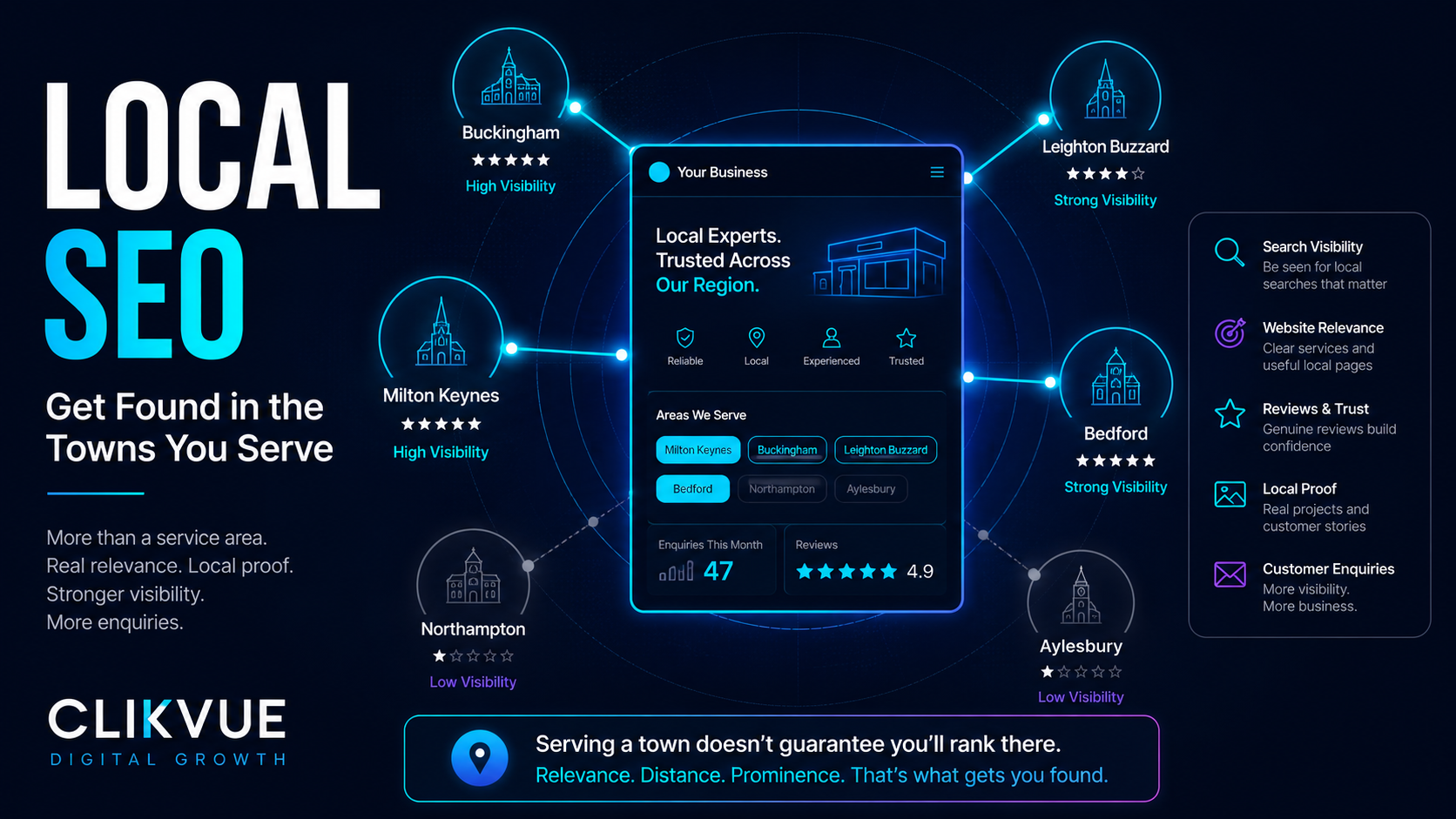
For local Google results, your webpage is also only part of the picture. Google says local visibility is mainly influenced by relevance, distance and prominence, so a beautifully written service page does not remove the importance of your Google Business Profile, reviews, wider website authority or the searcher's location.
10. Build FAQs from real customer questions
Do not start by Googling:
“SEO FAQs for plumbers.”
Start with your inbox.
Ask whoever answers your phone.
Look at your quote requests.
What do customers repeatedly ask before agreeing to the service?
Those are your FAQs.
Questions might include:
How long does it take?
Do I need to prepare anything beforehand?
Do you provide the materials?
Can you work with my existing system?
How quickly can you start?
What happens if you discover additional work is needed?
Do you cover my postcode?
Is there an initial consultation fee?
If a question needs a substantial answer, it might deserve its own section rather than being hidden in an FAQ accordion.
FAQs should fill genuine information gaps rather than exist because somebody told you that every SEO page needs eight questions at the bottom.
11. Add useful internal links
A service page should not live on its own.
Link to it from your main Services page.
If you have an article explaining a problem that the service solves, link naturally from that article to the service page.
From the service page itself, you might link to:
- related services
- relevant service-area information
- detailed guides
- your About page where trust is important
- booking or contact information
Google recommends making important pages accessible through internal links and using descriptive anchor text that helps people and search engines understand where the link leads.
So instead of:
Click here
write:
Read our guide to choosing the right boiler for your home.
Internal links should help somebody continue their journey, not simply exist to manipulate SEO.
12. Make the next step painfully obvious
After answering all those questions, do not finish with:
Find out more.
Find out more about what?
Choose the action that matches the service.
Examples include:
Request a Quote
Book an Initial Consultation
Check Availability
Call Our Team
Arrange an Assessment
Send Us Your Requirements
You can repeat the main CTA at sensible points throughout a longer page.
You are not forcing somebody to act.
You are making sure that when they are ready, they do not have to hunt around for the next step.
Would You Enquire From This Page?
Before publishing, step back from the SEO and look at the page like a potential customer. These four things should all be clear.
Clear
I understand exactly what this business is offering.
Relevant
I can tell whether this service is right for my situation.
Trustworthy
I have enough evidence to feel confident in the business.
Actionable
I know exactly what I should do next if I want to enquire.
If one of these is missing, the page still has work to do. Ranking is only useful if the visitor finds a page worth acting on.
Ready to Publish?The service-page test: can the visitor answer these questions?
When your first draft is finished, ignore SEO for a moment.
Pretend you know nothing about your company.
Can you quickly work out:
| Question | Can your page answer it? |
|---|---|
| What exactly is being offered? | |
| Is this service relevant to my situation? | |
| Do they serve someone like me? | |
| Where is the service available? | |
| What is included? | |
| How does the process work? | |
| How long might it take? | |
| What might it cost, or what affects the price? | |
| Why should I trust this business? | |
| Have they done this type of work before? | |
| What questions might I still have? | |
| What should I do next? |
Every unexplained answer is a possible source of uncertainty.
That does not mean every page needs to become enormous.
A straightforward service may need relatively little explanation.
A £10,000 commercial project, medical treatment or long-term professional engagement will naturally need more.
Google does not prescribe a preferred word count. The goal is to provide enough useful information to satisfy the visitor, not to hit an arbitrary length.
Common service-page mistakes
One generic page for everything
A Services page can be useful as an overview.
But if an important service deserves explanation in its own right, one bullet point on a generic page may not give either the customer or search engine enough useful context.
Use the overview page as the hub, then link to deeper pages where they genuinely make sense.
Creating dozens of nearly identical pages
The opposite approach is just as problematic.
Do not produce thirty pages where only the service or town name changes.
Ask whether each page provides something genuinely useful and distinctive.
Starting with company history instead of customer relevance
Your history can build trust.
It simply should not prevent someone understanding what you actually offer.
Writing for an SEO tool instead of a customer
A content editor may tell you to use a phrase another six times.
That does not automatically make the page six repetitions better.
Google explicitly warns against unnatural keyword repetition.
Saying nothing about price
Not every business needs to publish a fixed figure.
But completely avoiding the subject can leave a major customer question unanswered.
If exact pricing is impossible, explain the factors.
Using generic proof everywhere
Match testimonials, photographs, qualifications and examples to the service wherever possible.
Hiding the CTA
Someone should never have to wonder how to buy, book, request a quote or ask a question.
Forgetting mobile
Many customers will encounter the page on a phone.
Check the real page yourself.
Can you understand the service quickly?
Is the text comfortable to read?
Are large decorative sections pushing useful information far down the page?
Can you contact the business easily?
A beautiful desktop layout is not enough.
Don't forget the basic technical checks
Good content cannot do much if Google cannot properly access the page.
Before considering the work finished, check that:
- the page can be indexed
- it is included in your normal website navigation or internal linking
- the title and meta description describe the page properly
- important information exists as readable page text rather than only inside graphics
- the page works properly on mobile
- forms, phone links and booking buttons actually work
- unnecessary duplicate versions of the URL are not being created
You do not need to become a technical SEO specialist to run these basic checks.
After publishing: measure what actually happens
Do not judge the page after three days because it has not reached position one.
Search performance changes over time, and rankings depend on far more than the page template.
Google Search Console can show which searches are generating impressions and clicks for a particular URL.
Over time, look at:
Impressions: Is Google increasingly showing the page?
Queries: Are you appearing for searches that actually relate to the service?
Clicks: Are people choosing your result?
Enquiries: Most importantly, are those visitors turning into useful leads?
If a page attracts visibility but generates very few enquiries, the issue may no longer be visibility.
It may be relevance, trust, pricing clarity, the offer itself or the conversion journey.
That is why the full chain matters:
Visibility → relevance and clarity → trust → enquiry.
A template is not a ranking guarantee
This point matters.
You could follow every section in this guide perfectly and still not rank first.
Search visibility depends on many factors including the search itself, competition, your website's relevance and authority, the quality of competing pages and — for local results — factors such as distance and prominence.
A page structure is not a loophole in Google's ranking systems.
The purpose of the blueprint is to make sure your page is genuinely worth finding when somebody does encounter it.
That gives you a much stronger foundation than trying to manufacture relevance through keyword repetition.
Your service-page blueprint
If you are rebuilding a page today, work through it in this order:
- Decide on the specific service and customer intent.
- Write a clear H1.
- Explain the service and who it is for immediately.
- Add an obvious initial CTA.
- Describe the customer's problem or situation.
- Explain what the service involves.
- State what is included.
- Show the real process.
- Give useful pricing context.
- Add service-specific proof.
- Explain the areas you genuinely serve.
- Answer real customer questions.
- Link to genuinely useful related pages.
- Finish with a clear next step.
- Check the finished page on mobile.
- Measure search visibility and enquiries after publishing.
If you cannot fill some of those sections yet, that is useful information in itself.
It tells you where your current offer or customer communication may still be unclear.
Not sure which part of your online presence needs attention first?
A service page can be excellent and still sit inside a wider customer journey with problems elsewhere.
The Clikvue Growth Score looks at your website clarity, Google visibility, reviews, trust and conversion journey to help identify where potential customers may be dropping away.
Check Your Growth Score
Take the free Growth Score assessment
Want a more detailed look?
The £100 Clikvue Snapshot Report reviews how your business currently appears online and highlights practical improvements you can make across visibility, trust and conversion.
Request a Snapshot Report
Request your £100 Snapshot Report
Turn Clicks into Customers.
Resources
Google SEO Starter Guide
An accessible starting point for understanding how Google recommends making website content easier for people and search engines to understand.
View resource →
Creating Helpful, Reliable, People-First Content
Useful when reviewing whether a service page is genuinely helping the customer or has been written mainly to attract search traffic.
View resource →
Google Search Console
Use Search Console after publishing to see the searches that trigger your page, impressions, clicks and wider search performance.
View resource →
Clikvue Growth Score
Use the free assessment to identify wider weaknesses across website clarity, Google visibility, trust, reviews and conversion.
View resource →
Sources
Google Search Central — Search Engine Optimization (SEO) Starter Guide
View source →
Google Search Central — Creating Helpful, Reliable, People-First Content
View source →
Google Search Central — Spam Policies for Google Web Search
View source →
Google Search Central — SEO Link Best Practices for Google
View source →
Google Business Profile Help — Tips to Improve Your Local Ranking on Google
View source →
Google Search Central — Understanding Google Page Experience
View source →
Recent Posts